



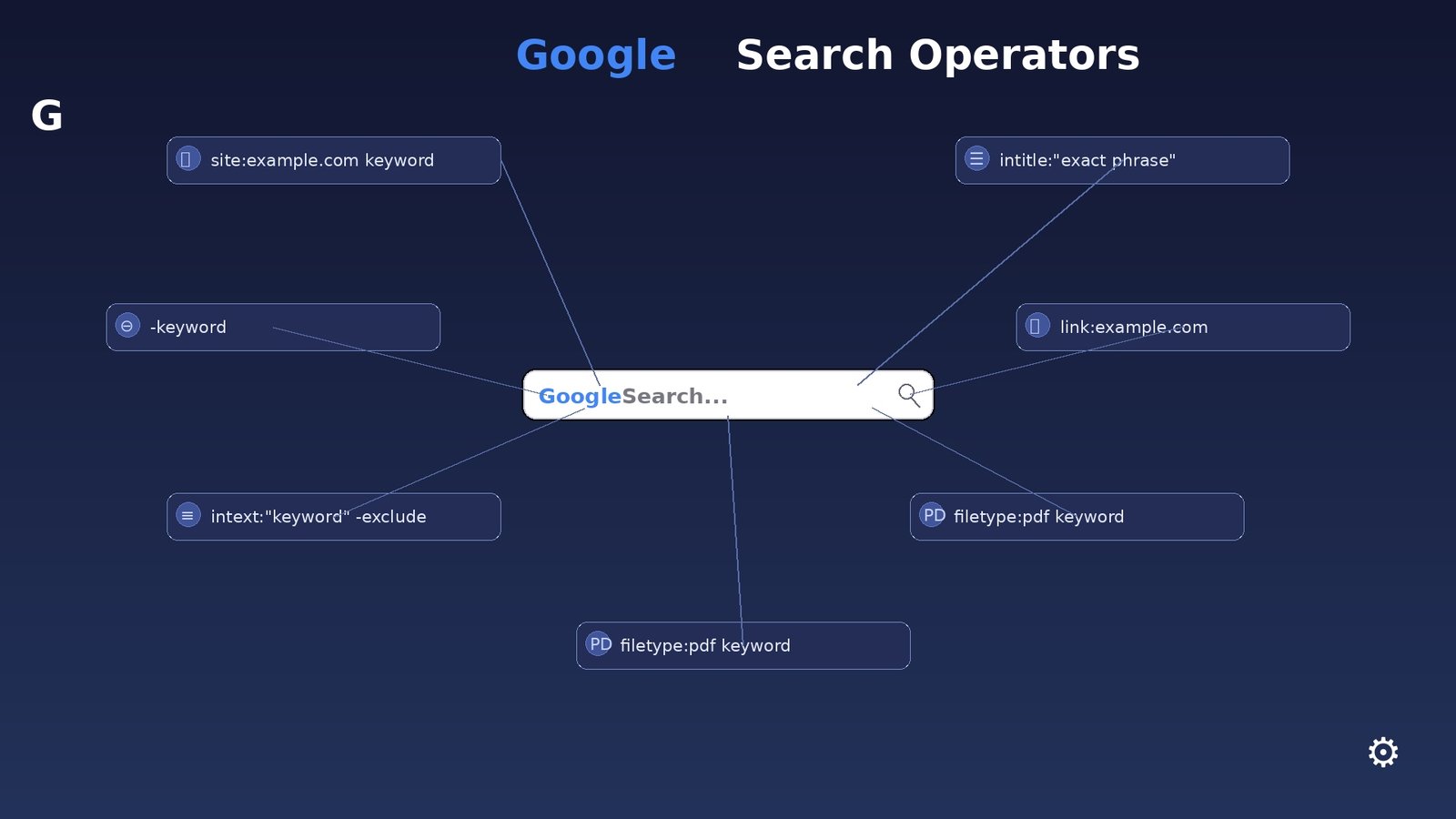
The search query ext:asp inurl:search combines Google search operators to identify web pages that use the ASP file extension and contain the word “search” in their URL. It is an example of an advanced search technique that can help users understand how websites are structured and how search engines index different types of pages.
Google search operators can make ordinary searches much more precise. Instead of entering several general keywords and browsing through unrelated results, users can apply specific operators to narrow the results according to a page’s URL, file type, title, text, or other indexed characteristics.
What Does ext:asp inurl:search Mean?
The ext:asp portion of the query tells Google to look for pages using the .asp file extension. ASP, or Active Server Pages, is a Microsoft web technology that was widely used to create dynamic websites and database-driven web applications.
The inurl:search portion tells Google to return pages where the word “search” appears somewhere within the URL. When these two operators are used together, the query focuses on indexed ASP pages whose addresses contain the term “search.”
For example, a URL containing something similar to /search.asp could potentially match this type of search. The exact results depend on what Google has indexed and how individual websites structure their URLs.
How Google Search Operators Work
Google search operators are special commands that modify the way a search engine interprets a query. They are useful for refining searches when ordinary keywords produce too many irrelevant results.
The inurl: operator is designed to find pages containing a particular word or phrase in their URL. This can be useful when researching website structures, locating specific categories of pages, or finding resources organized under predictable URL patterns.
The ext: operator, meanwhile, can be used to focus a search on a particular file extension. In this case, ext:asp narrows the search toward pages associated with the ASP extension.
Why Use ext:asp inurl:search?
One reason to use ext:asp inurl:search is to better understand how older or legacy websites organize their search functionality. Many websites built with ASP use URLs that reflect the underlying page structure, making search-related pages relatively easy to identify through URL-based queries.
This type of search can also be useful for web research and technical analysis. Developers, SEO professionals, and researchers can use search operators to study publicly indexed website structures and understand how different technologies appear within search results.
It is important to remember that search results are controlled by the search engine’s index. A page that exists on a website may not necessarily appear in results, while indexed pages may change or disappear over time.
Understanding ASP Search Pages
ASP-based websites can generate dynamic pages that interact with databases, forms, and other server-side components. Search pages are one common example because they often accept a query and return dynamically generated results.
A traditional ASP website might use a URL containing a filename such as search.asp, sometimes followed by parameters that determine what information is displayed. Modern websites often use different technologies and cleaner URL structures, but older ASP systems can still be found across the internet.
Understanding these URL patterns can be helpful when performing legitimate website research. It can show how different generations of web development handled navigation, search forms, and dynamically generated content.
Using Google Operators for SEO Research
SEO professionals can use search operators to investigate how search engines interpret a website’s pages. Operators such as site:, inurl:, intitle:, and file-extension filters can help organize research and identify patterns within indexed content.
For example, site:example.com inurl:search can be used to look for search-related URLs on a specific domain. Combining operators allows researchers to make their queries more focused without relying entirely on broad keyword searches.
These techniques can be especially useful during website audits. An SEO specialist may use advanced searches to identify indexed sections of a website, discover unexpected URL patterns, or understand which types of pages are visible in search results.
Search Operators and Website Discovery
Search operators provide a convenient way to discover publicly indexed pages based on characteristics that may not be obvious from their page titles. URL-based searching is particularly useful when a website follows consistent naming conventions.
However, search operators do not provide access to private information or restricted areas. They simply refine searches against content that the search engine has already made available through its index.
Responsible use is therefore important. Advanced search techniques should be used for legitimate research, SEO analysis, education, and troubleshooting rather than attempting to access protected systems or information that a website owner has not made publicly available.
Limitations of ext:asp inurl:search
Although ext:asp inurl:search can produce useful results, it does not guarantee that every returned page is an active ASP search page. Search engines sometimes interpret extensions and URLs differently, and indexed pages can change after they have been crawled.
Some ASP websites may also use URL rewriting, meaning that an ASP application can have URLs that do not visibly contain .asp. In such cases, an extension-based query may fail to identify relevant pages.
Another limitation is that search engines continuously update their indexes. A query that produces many results today may produce fewer results later, depending on changes to websites, indexing policies, redirects, and page availability.
Alternatives to ext:asp inurl:search
There are several related search techniques that can be used when researching ASP-based pages. A query such as inurl:search.asp focuses directly on URLs containing the phrase search.asp, while site:example.com inurl:search limits the research to a particular website.
Other operators can be combined with URL searches to investigate page titles or specific words appearing on indexed pages. The most useful combination depends on the research goal and the structure of the websites being examined.
Using different variations can provide a broader understanding of how pages are indexed. At the same time, users should avoid assuming that search results represent every page available on a website.
Best Practices for Advanced Google Searching
The most effective way to use advanced Google searches is to begin with a clear research objective. Rather than combining many operators immediately, start with one or two filters and gradually refine the query based on the results.
It is also useful to understand that search operators are tools for finding indexed information, not guarantees of page availability. Always evaluate the actual result, its source, its relevance, and whether the information is current.
For SEO and technical research, keeping notes about search patterns can make the process more efficient. Comparing different queries can reveal how URLs, file extensions, and website structures influence what appears in search results.
Frequently Asked Questions
What does ext:asp mean?
ext:asp is a Google search operator used to focus results on pages associated with the .asp file extension. ASP stands for Active Server Pages, a Microsoft technology used to create server-side web applications.
What does inurl:search do?
The inurl:search operator asks Google to look for the word “search” within the URL of indexed pages. It can help identify pages whose addresses contain that particular term.
Can ext:asp inurl:search find every ASP search page?
No. Search engines do not necessarily index every publicly accessible page, and some websites use rewritten URLs that hide their underlying technology. Therefore, the query should be viewed as a search technique rather than a complete inventory of ASP pages.
Is using Google search operators safe?
Using Google search operators to research publicly indexed information is generally a normal search activity. However, users should respect website permissions, privacy, applicable laws, and security boundaries and should not use search techniques to attempt unauthorized access.
Conclusion
The query ext:asp inurl:search demonstrates how Google search operators can be combined to make web searches more specific. By using ext:asp to focus on ASP-related pages and inurl:search to identify URLs containing the word “search,” users can perform more targeted research into publicly indexed website structures.
For SEO professionals, developers, researchers, and students, understanding operators such as ext: and inurl: can make search engines much more useful as research tools. The key is to use these techniques responsibly, interpret results carefully, and remember that search indexes do not necessarily represent every page available on the web.

3 Comments
Pingback: Google Search Operators for Cybersecurity Reconnaissance: A Complete Beginner’s Guide
Pingback: What Is ext:asp inurl:search? A Complete Guide
Pingback: What Can You Find With the Illinois Secretary of State Business Search?